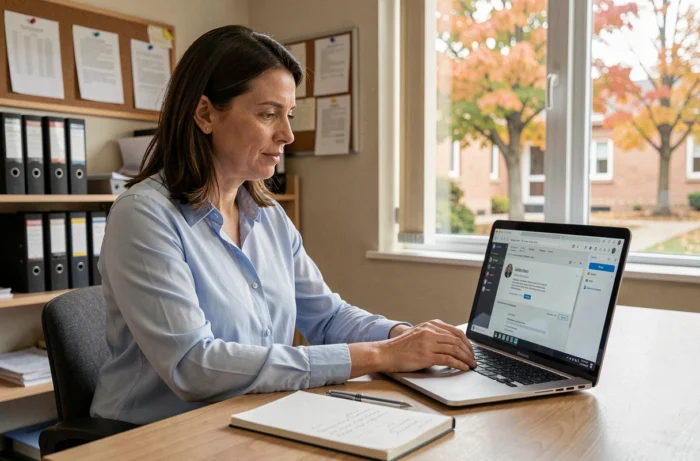
You open your browser, type in the usual address for the academic webmail of Nantes, and the page remains blank. Or the password is rejected without explanation. This scenario regularly affects staff in the academy, both tenured and contractual teachers. The good news: most blocks can be resolved in a few minutes, provided you know where to look.
End of the local academic Webmel: what has changed for AC Nantes messaging
The first reflex when the connection fails is to try the old address again. Wrong track. The old academic Webmel service of Nantes has been permanently deactivated since January 12, 2026, as part of a national harmonization of the Education Ministry’s messaging services.
Access is now through the national platform messagerie.education.gouv.fr. Account activation and credential management are done via the portal moncompte.ac-nantes.fr. If you have kept an old bookmark pointing to the local Webmel, it no longer leads anywhere.
Another point not to overlook: the old emails from the local Webmel have not been automatically transferred to the new national inbox. Administrators recommended downloading or archiving all messages locally before deactivation. If you did not do this, recovery requires intervention from academic support, with no guarantee of timing or success.
Before diagnosing a technical problem, make sure you are using the new login address. A detailed guide explains the AC Nantes webmail issues related to this transition and the checks to prioritize.
Username and password rejected: resolving connection errors
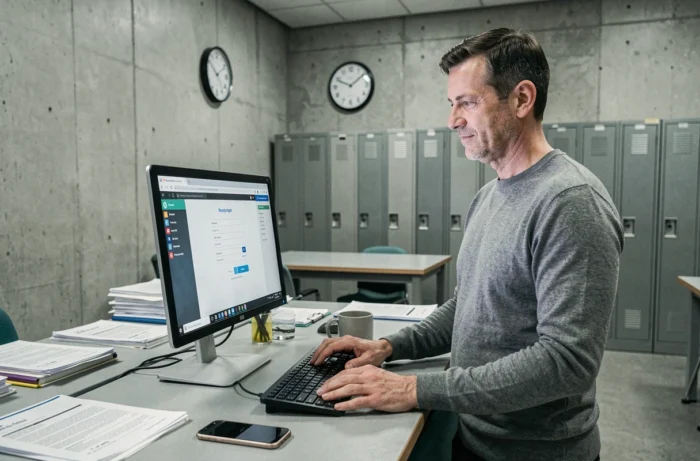
You have the correct address, but access remains blocked. The problem almost always comes from the username or password.
Check the exact format of the username
The academic username follows a precise format: the first letter of the first name, followed by the last name, all in lowercase. Accents and hyphens are often sources of error. A compound name may be merged or separated by a hyphen depending on how the account was created.
If you are a contractual employee, your username may differ from the standard format. Contractual employees receive their usernames by separate mail, often with a delay after starting the position. Check your paper mail or contact your institution’s administration.
Resetting a forgotten password
Password reset is done directly on moncompte.ac-nantes.fr. The portal sends a reset link to the personal email associated with the account. If no personal email has been provided, only the technical support of the DSII (Direction des systèmes d’information et de l’innovation) can resolve the situation.
Here are a few points to check before contacting support:
- The Caps Lock key is a common cause of password rejection, especially on laptops where the key is less visible.
- The browser may suggest an old password saved automatically. Clear the field and retype manually.
- Some browsers add a space at the end of the field when copying and pasting. Remove any invisible characters after the last character of the password.
Configuring an external mail client for Nantes academic messaging
Accessing webmail from a browser works, but many teachers prefer to centralize their emails in Thunderbird, Outlook, or their phone’s Mail app. This is where protocol configuration comes into play.
The IMAP protocol is preferred to keep messages synchronized across your devices. The POP protocol downloads messages and deletes them from the server, which causes problems if you check the same inbox from a computer and a smartphone.
For the outgoing server (SMTP), the national messaging service uses STARTTLS or SMTPS encryption depending on the mail client. Here are the parameters to fill in:
- IMAP incoming server: use the address provided during account activation on the national portal, with the port dedicated to TLS encryption.
- SMTP outgoing server: enable STARTTLS. If your client offers SMTPS, it is also compatible.
- Username: your full academic email address ([email protected]).
- Authentication: password identical to that of the national portal.
If sending messages fails while receiving works, the problem usually comes from the SMTP port or the type of encryption selected. Switching from STARTTLS to SMTPS (or vice versa) resolves most sending blocks.

AC Nantes webmail slow or inaccessible: network and browser issues
The password is correct, the configuration is right, but the messaging is slow or shows intermittent errors. The problem is then between your workstation and the server.
Start by testing with another browser. Ad-blocking or privacy protection extensions can interfere with the national messaging interface. Temporarily disable them to isolate the cause.
Expired cache and cookies cause connection loops where the page repeatedly asks for the password without ever succeeding. Clear the browser cache, then reconnect.
On a school network, the firewall may block certain ports used by the messaging service. If webmail works from your personal connection but not from the institution, report the issue to your school’s or college’s digital referent. They can request the opening of the necessary ports from the local authority managing the network.
Contacting academic technical support: when and how
All previous manipulations have failed. The last resort is the DSII support, reachable via the Nantes academy’s assistance platform. Before sending your request, gather these elements: your academic username, the exact error message displayed, the browser used and its version, as well as the type of connection (home, institution, mobile network).
A well-informed ticket speeds up processing. Vague requests (“it doesn’t work”) are systematically followed up for clarification, which prolongs the resolution time.
For contractual employees whose accounts have never been activated, going through the institution’s administration is often faster than online support. The administration can verify that the account creation has indeed been requested from the academic services.
The transition to national messaging has simplified the technical architecture, but it has also rendered all old tutorials obsolete. If an online guide still mentions “webmel.ac-nantes.fr” as the login address, move on: the information is outdated.