
Family Link locks your child’s smartphone with time limits, app filters, and location tracking. The problem is that these restrictions rely on mechanisms that any curious teenager can undermine in just a few minutes. Understanding these flaws allows for both exploitation and better protection of a family device.
Google interface flaws that Family Link does not fix
Before looking for complex manipulations, check what happens in the phone’s menus themselves. Family Link relies on the child’s Google account to enforce its rules. Any action that disconnects the device from this account weakens the control.
A first lever rarely mentioned: the internal links between Android settings open unfiltered paths. By navigating from a system notification to the account settings, certain phone models allow access to options that are normally hidden by Family Link. This chaining of menus exploits interface inconsistencies, not a security flaw in the strict sense.
Another point concerns the age declared on the account. Google has an opt-out mechanism related to age: when a child reaches a certain threshold, they can request the lifting of supervision directly from their account settings. If the recorded age has been changed or if the parent approves the request without paying attention, Family Link supervision is completely disabled.
Several parents seek to bypass Family Link parental control themselves, for example when they have lost access to their own supervisor account. These situations show that the system was not designed to withstand somewhat unusual usage.
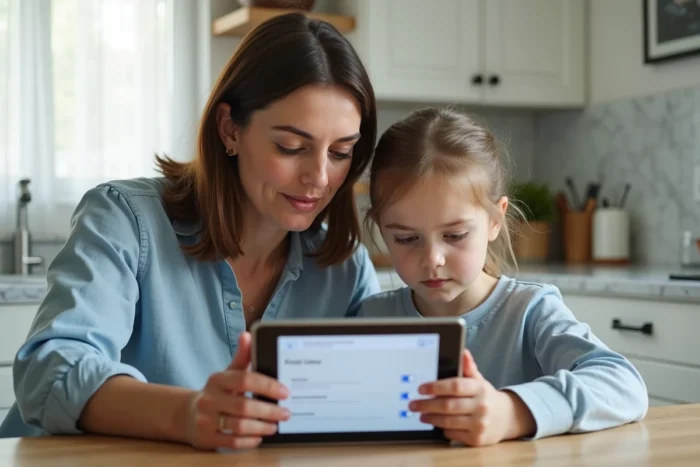
Bypassing the time limit on Family Link with the time change
Have you noticed that your child uses their phone well past the scheduled lock time? The most common manipulation is surprisingly simple.
Family Link calculates screen time based on the device’s system clock. By disabling automatic time synchronization in the Android settings and then manually setting the clock back, the child postpones the moment when the lock activates. The daily quota does not change, but the counter resets.
This trick works because Family Link does not consistently check the time via a remote server when the device is offline. By turning off Wi-Fi before changing the clock, the discrepancy goes unnoticed until the next synchronization.
Limiting this manipulation from the parent’s side
On some devices, the date and time settings remain accessible even under supervision. Check if your version of Android allows you to lock access to this menu. Another workaround: regularly check the Family Link activity report. A spike in usage at unusual hours reveals the maneuver.
Second device and alternative account: the hardware flaw
Articles on the subject almost always focus on the family smartphone. They overlook a common scenario: the child uses another unsupervised device. An old phone, a household tablet, the school’s Chromebook, the gaming console connected to Wi-Fi.
Family Link only controls devices linked to the supervised account. As soon as the child logs in with a different Google account (created with a fictitious birth date), no restrictions apply. Creating a second account takes less than five minutes on a browser.
- An old smartphone without a SIM card connected to the home Wi-Fi is enough to access YouTube, social networks, and messaging apps without any filters.
- Laptops loaned by schools often use a Google Workspace Education profile that is not linked to the family Family Link account.
- Home consoles (PlayStation, Xbox, Nintendo Switch) include a basic web browser, rarely covered by mobile parental control.
For a parent, the workaround involves network-level control (DNS filtering on the router) rather than just app control.
Cloned apps and VPNs on Android: what Family Link does not filter
Android allows, on most manufacturer overlays, the creation of a secondary space or a distinct user profile. Samsung calls this feature Secure Folder, Xiaomi offers Second Space. These parallel profiles escape Family Link supervision because they function like a phone within a phone.
Inside this space, the child can install apps without the parent receiving any notification. A free VPN downloaded in this secondary profile then masks the network traffic, making home DNS filtering ineffective as well.
The role of AI assistants in bypassing
A little-documented angle: teenagers now use AI chatbots to get step-by-step bypass instructions. A simple query like “how to remove Family Link without a password” generates a detailed tutorial. AI assistants function like a search engine without parental filters, accessible from any browser.
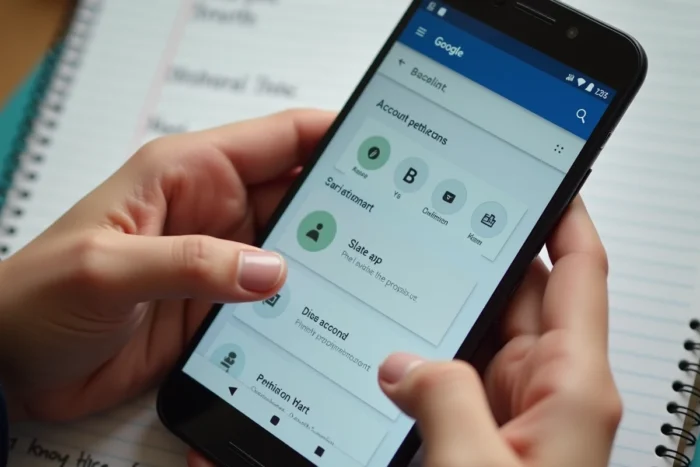
Strengthening Family Link: measures that really work
No parental control app can indefinitely withstand a motivated teenager. The most reliable strategy combines multiple layers of protection rather than relying on a single tool.
- Activate DNS filtering at the router level (OpenDNS Family Shield, for example) to cover all devices connected to the Wi-Fi, not just the supervised smartphone.
- Disable the ability to create new user profiles in the Android settings, if your version allows it.
- Regularly check the list of devices connected to the child’s Google account from the Family Link dashboard.
- Favor an open conversation about the reasons for the restrictions rather than a technical escalation. A teenager who understands the framework is less likely to bypass it than one who feels subjected to it.
Family Link remains a useful tool for establishing a basic framework on a child’s smartphone. Its limitations stem less from a design flaw than from the open nature of Android, which always offers an escape route to those who know where to look. Ultimately, the real lock is never purely technical.